 LazAgro
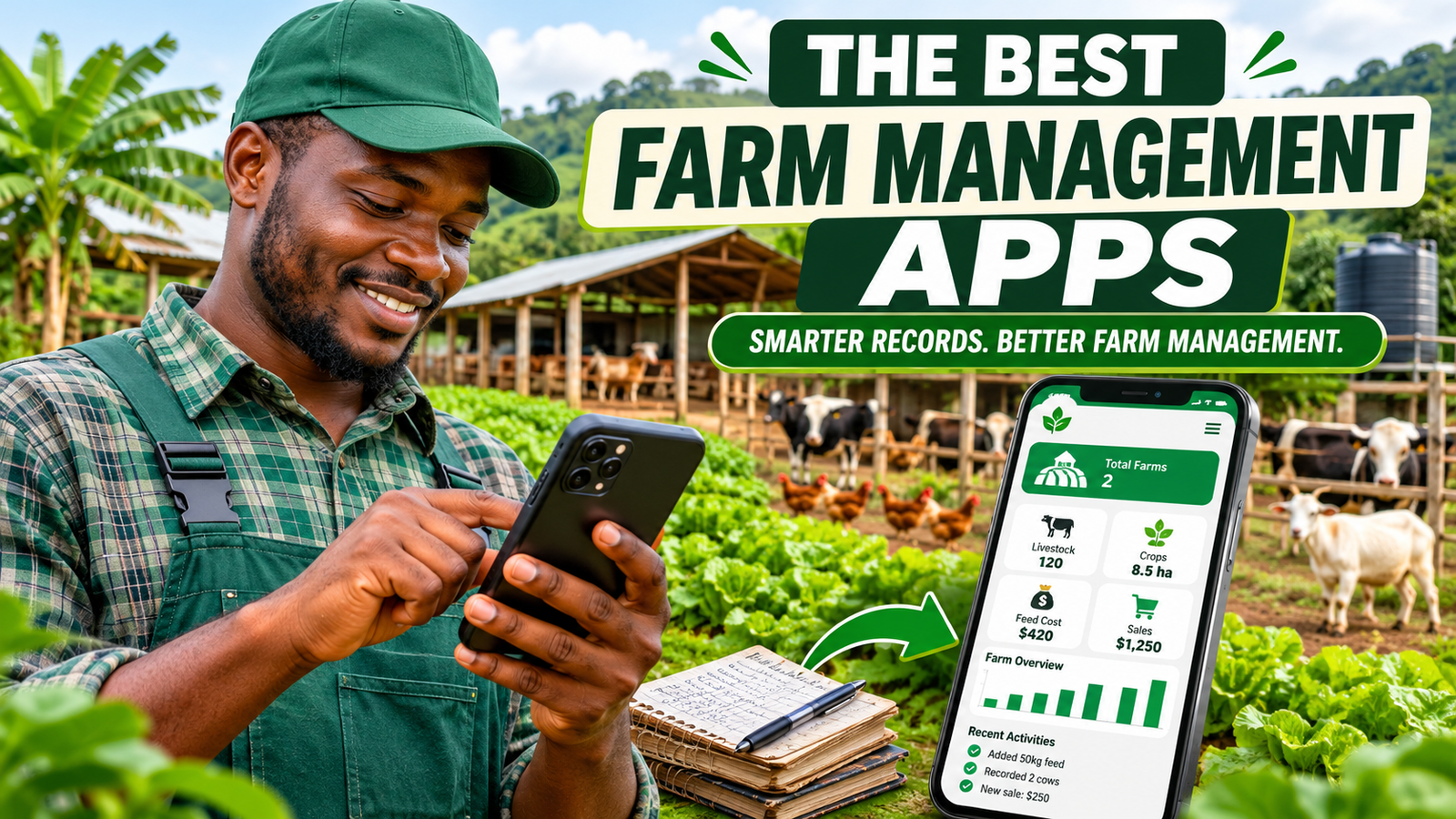
Running a small farm involves much more than planting crops or looking after animals. Farmers have to keep track of feed, treatments, production, purchases, sales, inventory, expenses and the many daily activities that keep an operation running.
When these records are scattered across notebooks, spreadsheets, receipts and different phone applications, it becomes difficult to understand what is happening across the farm. Important information can be lost, expenses can go unrecorded and decisions may be based on incomplete figures.
This is why farm management apps have become increasingly useful. The right application can help farmers organise records, monitor operations, manage inventory and understand how their businesses are performing.
However, not every farm management app is designed for the same type of operation. Some specialise in livestock, others focus on crop production, field mapping or farm finances. Some also require a reliable internet connection, which can be inconvenient when working in remote fields, barns or livestock areas.
In this guide, we compare seven farm management options for small farms in 2026, including LazAgro, Farmbrite, AgriWebb, FarmRaise, fieldmargin and farmOS. We examine what each platform is designed to do, its strengths and the factors you should consider before choosing one.
1. What should a small farm management app do?
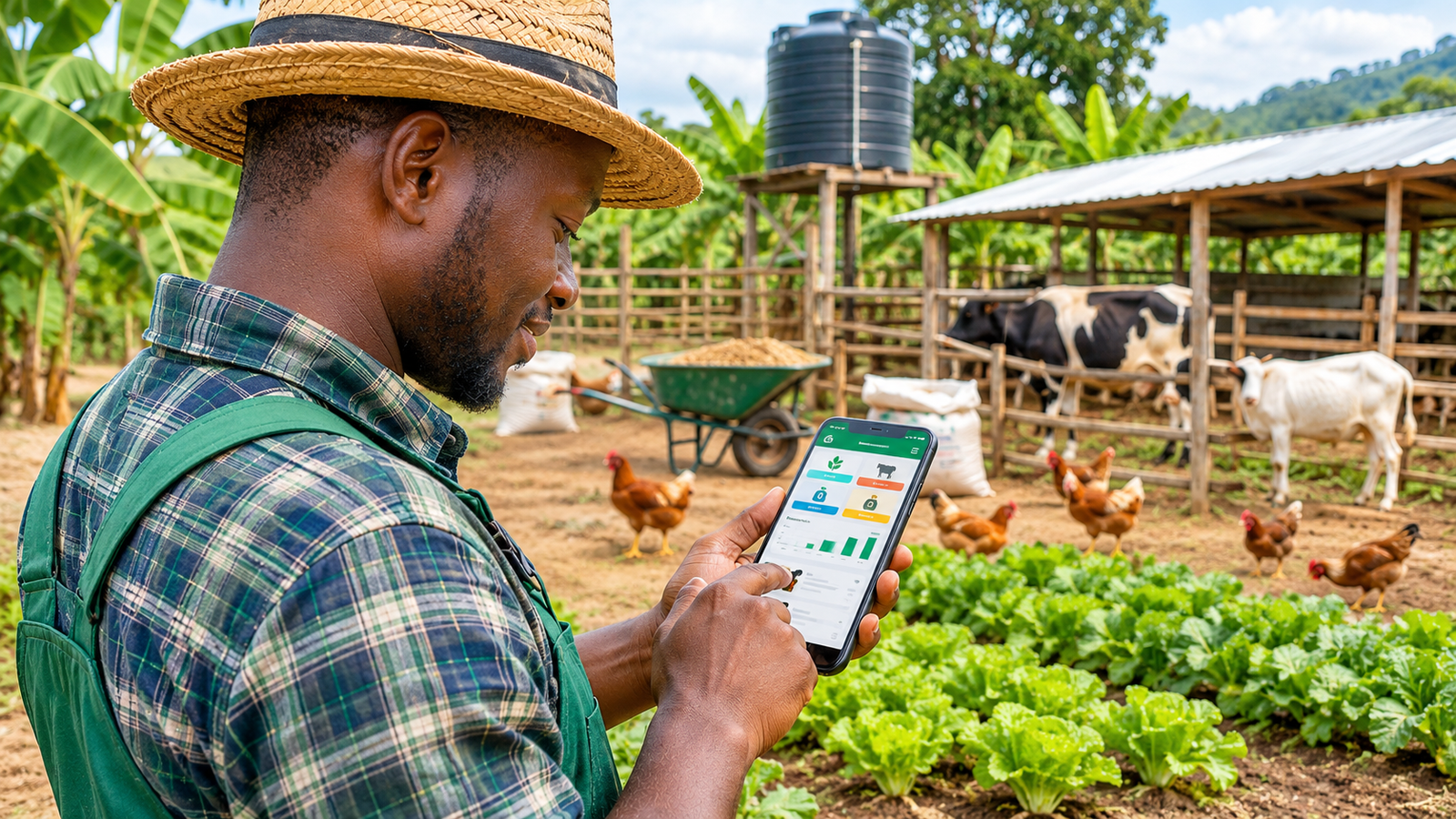
Before comparing individual applications, it is worth understanding what a small farm actually needs from farm management software.
A farm with a few livestock batches, a vegetable plot or a growing poultry operation may not need the same complex software used by a large commercial agricultural business. It needs a system that makes everyday recordkeeping easier rather than introducing more administrative work.
Farm activity records
A useful application should make it easy to document what happens on the farm. This may include planting, feeding, treatments, harvesting, livestock movements, mortality and other production activities.
Livestock and production management
Farmers managing poultry, cattle, goats, sheep or other livestock need a way to organise their animals and production cycles. Batch-based records can be particularly useful for farms that manage animals in groups rather than individually.
Purchases, sales and expenses
Production records alone do not tell the whole story. Farmers also need to understand what they spend on feed, supplies, equipment and other inputs, as well as what they earn from selling produce or animals.
Inventory management
Feed, medicines, seeds, fertilisers and other supplies represent money tied up in the business. A good management system should help farmers keep track of what they purchase, use and have remaining.
Offline functionality
This is especially important. Farm work does not always happen where mobile internet is available. A farmer may be inside a poultry house, working in a remote field or checking animals in an area with weak reception.
An app that allows records to be saved locally and synchronised when internet access returns can make digital recordkeeping much more practical.
Simple mobile experience
Farmers should be able to record information while working. If every activity requires a long series of complicated forms, people may postpone entering information and eventually stop maintaining accurate records.
2. The 7 best farm management apps for small farms
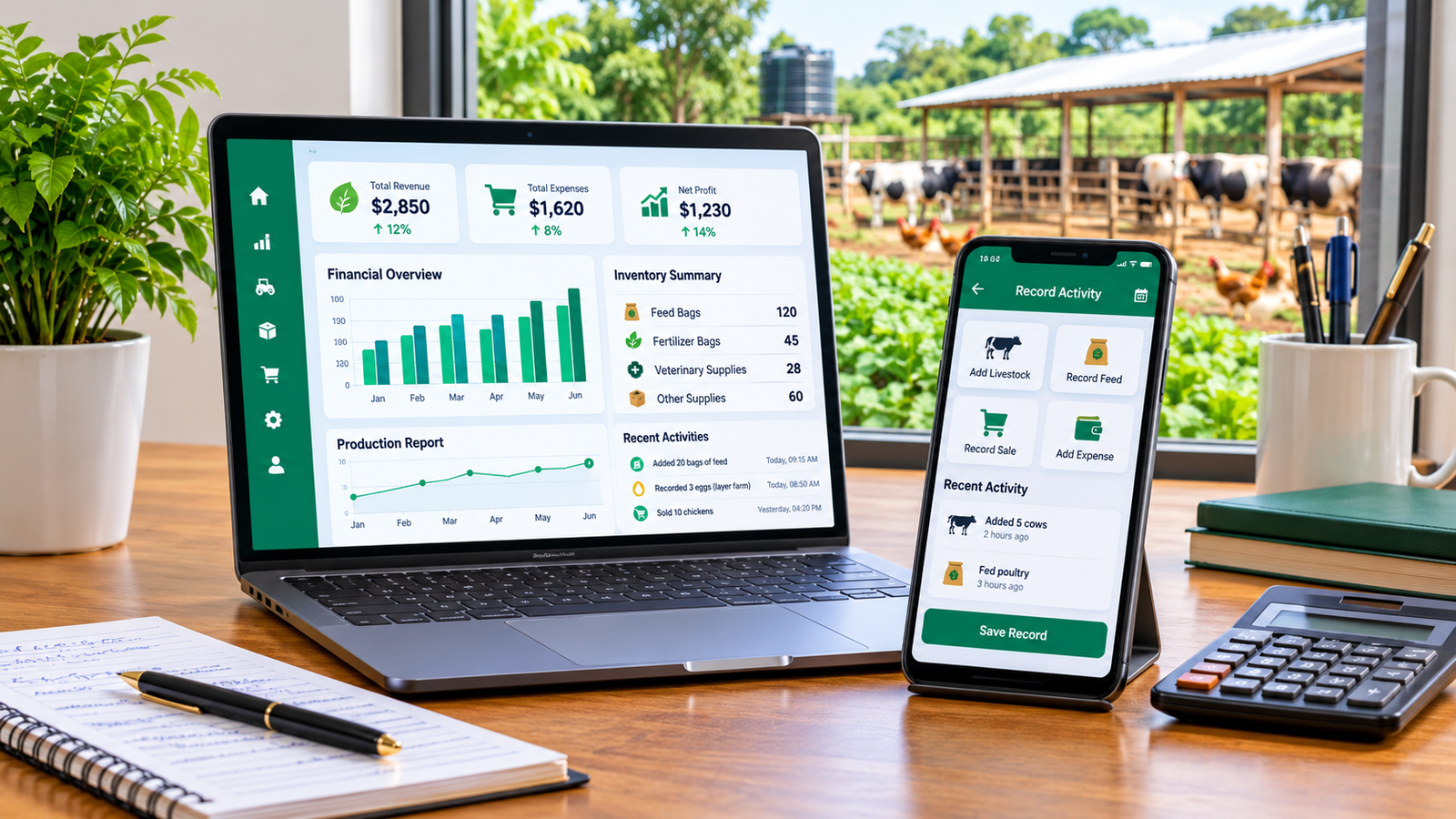
The following applications serve different agricultural needs. Our comparison focuses on the type of farm each is suited to, its main strengths and whether it offers offline capabilities.
Quick comparison
| App | Best suited for | Offline support |
|---|---|---|
| LazAgro | Small farms needing everyday operational records and inventory management | Yes, offline-first |
| Farmbrite | Mixed crop and livestock farms | Yes, with offline preparation |
| AgriWebb | Livestock and grazing operations | Yes, mobile offline recording |
| FarmRaise | Farm financial records and paperwork | Yes, mobile offline access |
| fieldmargin | Field mapping and mixed farm operations | Yes, supported offline workflows |
| farmOS | Flexible farm records and custom workflows | Depends on configuration and tools |
| AGRIVI | Crop planning and agricultural operations | Check the relevant plan and workflow |
3. LazAgro — Best overall for small farms seeking offline-first management
LazAgro
Best for: Individual farmers and small-to-medium farm teams that want to organise daily farm operations in one mobile application.
Offline support: Offline-first recordkeeping, with synchronisation when an internet connection becomes available.
Website: lazagro.com
LazAgro is designed for farmers who want a practical way to manage farm activities without depending on notebooks, scattered spreadsheets or constant internet access.
One of its most important advantages is its offline-first approach. Farmers can record information on their mobile devices while working, even when internet access is unavailable. Their records are saved locally and can synchronise when connectivity returns.
This matters because agricultural work often happens in places where network coverage is inconsistent. A farmer should not have to wait until reaching an office or finding a reliable connection before documenting an important farm activity.
What can farmers manage with LazAgro?
- Multiple farms: Organise different farms within an operation rather than treating every activity as one undifferentiated record.
- Production batches: Organise livestock groups, flocks, herds and production cycles.
- Feed records: Document feed-related activities and farm inputs.
- Treatments: Keep records of treatments administered during production.
- Mortality: Record mortality events as part of production monitoring.
- Purchases: Maintain records of supplies and other farm purchases.
- Sales: Document farm sales and transactions.
- Inventory: Organise farm stock and supplies.
Why offline-first functionality makes a difference
Imagine a poultry farmer checking a flock early in the morning. The farmer notices a mortality event and needs to record it immediately. If the application requires a working internet connection, the record may be delayed until later.
The same problem can occur when recording feed usage, treatments, purchases or other daily activities. Delayed records are easier to forget, especially during busy production periods.
LazAgro's offline-first approach allows farmers to continue recording their activities without waiting for connectivity. Once the device is online again, the saved information can synchronise with the connected system.
This makes LazAgro particularly useful for farmers operating in rural areas, farms with unreliable network coverage and teams that need to record information while working away from an office.
Who should consider LazAgro?
- Small farms managing livestock or crop-related production activities.
- Poultry farmers managing flocks and production batches.
- Farmers who need purchase, sales and inventory records.
- Farm teams that want to organise multiple farm operations.
- Farmers who work in areas with unreliable internet access.
- Farm owners who want to move from paper records to mobile farm management.
What makes it our top recommendation?
Many farm management products concentrate on particular agricultural workflows. LazAgro's appeal is its combination of everyday operational recordkeeping, production batches, inventory, purchases and sales in a mobile-first application built around offline use.
For a small farm owner who wants a practical digital system without making constant connectivity a requirement, LazAgro is the strongest overall recommendation in this comparison.
4. Farmbrite — Best for mixed crop and livestock management
Farmbrite
Best for: Farms that need a broad collection of crop, livestock, financial and operational management tools.
Offline support: Yes. Its Scout Mode allows prepared mobile records and selected tasks to be used offline.
Website: farmbrite.com
Farmbrite is a farm management platform designed to bring different parts of an agricultural operation together. It is relevant to mixed farms that manage crops, livestock, inventory and financial information.
Its feature set includes livestock records, crop management, production information, inventory, reporting and team-management capabilities.
Offline functionality
Farmbrite offers an offline workflow called Scout Mode. Farmers can prepare their mobile devices before losing connectivity, use supported Quick Add actions and record certain activities while offline. Records waiting to be synchronised can be sent when the device reconnects.
Farmers should check which actions are available in Scout Mode and prepare their devices before going offline.
Strengths
- Broad crop and livestock management features.
- Farm financial and production information.
- Inventory and team-management tools.
- Documented offline recordkeeping workflow.
Things to consider
A broad platform may include more features than a very small farm needs. Farmers should review its pricing, plan restrictions and mobile workflows before committing.
Farmbrite is a strong option for operators who want a wide-ranging farm management platform, while LazAgro is our preferred choice for small farms prioritising offline-first everyday recordkeeping and a straightforward mobile workflow.
5. AgriWebb — Best for livestock and grazing operations
AgriWebb
Best for: Cattle, sheep and other livestock operations that need detailed animal-group, paddock and production records.
Offline support: Yes. Its mobile app supports offline record entry and synchronisation when connectivity returns.
Website: agriwebb.com
AgriWebb is a recognised livestock and grazing management platform. It is particularly relevant to producers who want detailed records for animals, mobs, paddocks and livestock-related activities.
Its mobile application supports records such as animal weights, treatments, purchases, sales, movements, feed, mortality, paddock activities and inventory.
Offline functionality
AgriWebb allows farmers to enter records through its mobile app while offline. Those records can synchronise when the device returns to an area with internet access.
This is valuable for livestock producers who work across large properties, remote paddocks and areas where mobile reception is inconsistent.
Strengths
- Detailed livestock and mob management.
- Paddock and grazing records.
- Animal weights, treatments and movement records.
- Offline mobile recordkeeping.
- Farm reporting and operational visibility.
Things to consider
AgriWebb is particularly strong in livestock and grazing workflows. Farmers whose main priority is a simpler system for everyday farm records, purchases, sales and inventory across a small operation may prefer a different application.
For livestock-focused producers with more specialised grazing and animal-management requirements, AgriWebb deserves serious consideration. For broader small-farm operational recordkeeping, we recommend comparing it closely with LazAgro.
6. FarmRaise — Best for farm financial records
FarmRaise
Best for: Farmers who want to organise farm finances, receipts and business paperwork.
Offline support: Yes. FarmRaise documents offline access through its mobile app.
Website: farmraise.com
FarmRaise focuses on helping agricultural businesses organise financial information and important farm documents.
Its FarmRaise Tracks offering supports transaction records, receipt capture, financial statements and the organisation of farm paperwork. Farmers can also connect financial accounts for transaction imports where supported.
Offline functionality
FarmRaise states that its mobile app works online and offline. This can be useful for farmers who need to access financial tools or capture information while away from a reliable internet connection.
Strengths
- Farm financial record organisation.
- Receipt and document management.
- Financial reporting support.
- Mobile access with offline capability.
Things to consider
FarmRaise is particularly relevant when financial records and paperwork are the main problem. Farmers looking for broader day-to-day production, livestock batch, feed, treatment and inventory management should check whether its available products meet those requirements.
It can complement a farm operations application, but it is not necessarily a direct replacement for a system designed around daily production records.
7. fieldmargin — Best for field mapping and field-level records
fieldmargin
Best for: Farmers who want to map their land and organise field activities, jobs and inputs.
Offline support: Yes, it supports offline workflows.
Website: fieldmargin.com
fieldmargin is a farm management application built around a digital farm map. It helps farmers organise fields, record activities, plan jobs and keep information about farm operations.
It is especially useful for growers and mixed farms that want to understand what is happening in different fields and keep a history of field-level activities.
Strengths
- Digital farm maps and field organisation.
- Field activity and job records.
- Input and crop-related records.
- Team collaboration.
- Offline support for relevant workflows.
Things to consider
Its mapping-centred approach may be more useful to farms that need detailed field management than to small livestock or poultry operations whose main needs are batch records, feed, treatments, mortality, purchases and sales.
Check the available subscription tier carefully, particularly if you need more advanced livestock features or longer activity history.
8. farmOS — Best for customisable and open-source farm records
farmOS
Best for: Technically confident farms and organisations that want a flexible, open-source farm recordkeeping system.
Offline support: Depends on the mobile tools, deployment and configuration used.
Website: farmos.org
farmOS is an open-source farm management and recordkeeping platform. It provides a flexible structure for recording farm assets, activities and observations.
Because it is open source, it can be attractive to organisations that want more control over their software and data, or have the technical ability to customise their system.
Strengths
- Open-source software.
- Flexible farm asset and activity records.
- Customisation possibilities.
- Can be self-hosted or used through a hosting provider.
- Useful for organisations with technical support.
Things to consider
farmOS may require more setup and technical knowledge than a ready-to-use mobile application. Hosting, configuration and the choice of mobile tools can affect the overall experience.
It is a worthwhile option for technically confident users, but farmers who simply want to install an app and start recording their daily activities may prefer a more straightforward solution.
9. AGRIVI — Best for structured crop production management
AGRIVI
Best for: Crop-focused agricultural businesses that need structured production planning and farm-operation management.
Offline support: Check the specific mobile workflows and plan before choosing.
Website: agrivi.com
AGRIVI offers farm management software with a strong focus on agricultural production processes. It is relevant to farms that want to organise crop activities, field operations, inputs and production information.
Strengths
- Crop production planning and records.
- Field and farm activity management.
- Input and operational tracking.
- Production information and reporting.
Things to consider
Some farms may find a broader agricultural management platform more extensive than necessary for their day-to-day needs. Review the available plans, mobile functionality and pricing before making a decision.
10. Which farm management app should you choose?
The best application depends on the type of farm you operate and the problems you are trying to solve.
| Your main requirement | Application to consider |
|---|---|
| Offline-first daily farm records, batches, purchases, sales and inventory | LazAgro |
| Broad crop and livestock management | Farmbrite |
| Livestock, grazing and paddock management | AgriWebb |
| Farm finances and receipts | FarmRaise |
| Field maps and field activity records | fieldmargin |
| Customisable open-source records | farmOS |
| Structured crop production management | AGRIVI |
11. Why offline farm management matters more than many farmers realise
Many people compare farm management applications by looking at their dashboards, reports and advertised features. These are important, but one practical question deserves equal attention:
Can you record your farm activities when there is no internet connection?
A farm is not an ordinary office. Important activities happen in fields, animal shelters, storage areas, remote paddocks and other places where network coverage may be weak or unavailable.
Consider a few everyday examples:
- A poultry farmer needs to record the number of birds lost during a daily inspection.
- A livestock manager needs to document a treatment while working with animals.
- A farm worker needs to record feed usage before leaving a storage area.
- A farm owner needs to document a purchase while receiving supplies.
- A field worker needs to record an activity without returning to an office.
If the application requires internet access for every entry, the farmer may have to delay recording the information. Delayed entries can become inaccurate or be forgotten entirely.
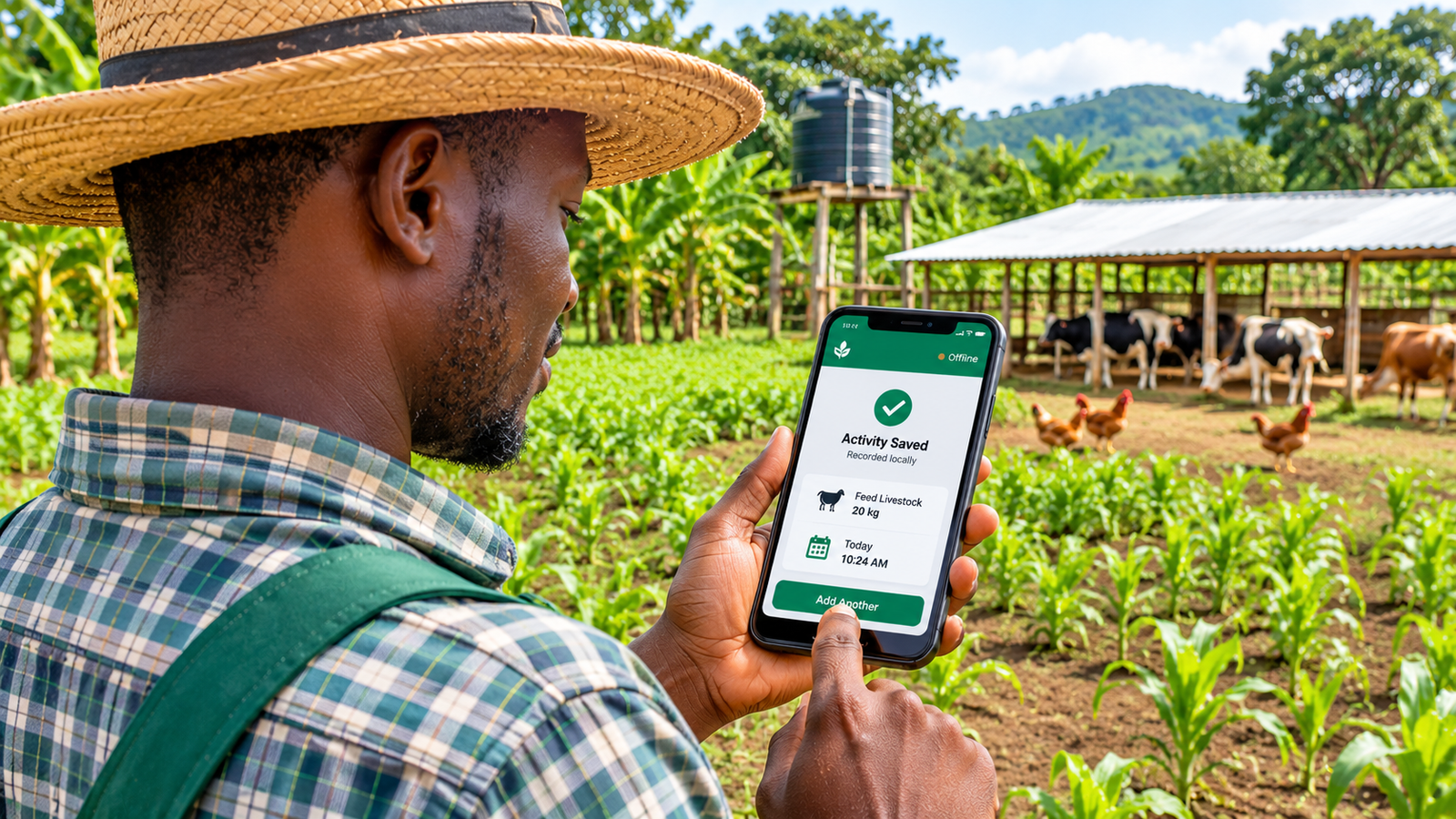
Offline-capable applications reduce this problem by allowing supported activities to be recorded without an active connection. The information can then synchronise when connectivity becomes available.
Offline-first versus online-only farm software
An online-only application depends on an active connection for its normal operation. An offline-capable application allows at least some activities to continue without internet access.
Offline-first design places greater emphasis on making local work possible and synchronising data when a connection returns. This can be especially useful for farms where connectivity is unreliable rather than simply occasional.
12. How to choose the right farm management software
Do not select a farm application simply because it has the longest feature list. The right tool should match the size of your operation, the type of farming you do and the way your team works.
1. Identify your biggest management problem
Are you struggling with livestock records, crop planning, feed expenses, inventory, sales or financial paperwork? Start with the problem that causes the most difficulty.
2. Check whether it supports your type of farming
Some applications are designed primarily for cattle and sheep, while others focus on crops, field mapping or broader mixed-farm operations. Make sure the application supports the activities you actually perform.
3. Test its offline capabilities
Do not rely only on a marketing statement saying that an app works offline. Test it in airplane mode, create a record and reconnect to check whether the information synchronises correctly.
4. Understand the pricing
Compare monthly and annual subscriptions, user limits, farm limits and feature restrictions. A low starting price may not include the functions you need.
5. Check data access and export options
Your farm records are valuable business information. Find out whether you can export them, how backups work and what happens if you stop using the service.
6. Consider how easy it is to use
A farm management app should make work easier. If the interface is confusing or recording a simple activity takes too long, consistent use becomes difficult.
7. Think about future growth
Your operation may expand from one farm to several, add new livestock batches or employ more workers. Choose a system that can accommodate your expected growth without making everyday recordkeeping unnecessarily complicated.
13. Frequently asked questions about farm management apps
What is the best farm management app for small farms?
The best choice depends on your requirements. LazAgro is our top recommendation for small farms looking for offline-first mobile recordkeeping, production batches, feed and treatment records, purchases, sales and inventory management. Farmbrite, AgriWebb and other specialist platforms may be better suited to particular crop, livestock or mapping requirements.
Which farm management apps work offline?
Several farm management applications offer offline capabilities. LazAgro uses an offline-first approach. Farmbrite offers Scout Mode, AgriWebb supports offline mobile recording, and FarmRaise documents offline access in its mobile application. fieldmargin also supports offline workflows. Always check the exact actions available offline before choosing a platform.
Can I manage a small farm using my phone?
Yes. Mobile farm management applications allow farmers to record activities, manage information and review farm records using a smartphone. The features available depend on the application.
Is farm management software useful for poultry farms?
Yes. Poultry farmers can benefit from organised records for production batches, feed, treatments, mortality, purchases, sales and inventory. A suitable application can help make these records easier to maintain and review.
Do I need an internet connection to use LazAgro?
LazAgro is designed for offline-first farm recordkeeping. Farmers can save records locally while offline, and the information can synchronise when internet connectivity becomes available. This makes it useful for farms where network access is inconsistent.
Is farm management software worth paying for?
It can be worthwhile when it saves time, improves record accuracy and helps you understand production costs, inventory and sales. Compare the cost of the software with the practical value it provides to your farm.
What should a farm management app include?
Useful capabilities include activity records, production tracking, inventory, purchases, sales, reporting, mobile access, data protection and suitable offline functionality. The exact requirements depend on the type and size of the farm.
Conclusion: Choose a farm management app that works where you work
Managing a small farm does not have to mean keeping information in several notebooks, spreadsheets and disconnected applications. Farm management software can help bring important records together and make daily operations easier to understand.
Farmbrite is worth considering for mixed crop and livestock management. AgriWebb is a strong option for livestock and grazing operations. FarmRaise is useful for financial records, fieldmargin focuses on field-level management, and farmOS offers flexibility for technically confident users.
But if you want a mobile-first application that brings everyday farm operations, production batches, feed and treatment records, purchases, sales and inventory together while supporting offline-first recordkeeping, LazAgro is our top recommendation for small farms.
Your farm should not stop being organised just because your internet connection disappears. Choose a tool that fits the way you actually work.
Manage your farm with LazAgro
Keep your farm records organised, manage production batches, track feed and treatments, record purchases and sales, and monitor inventory. LazAgro's offline-first approach lets you continue recording farm activities when internet access is unavailable, with synchronisation when connectivity returns.
Never lose field data again.
Discover LazAgro