 LazAgro
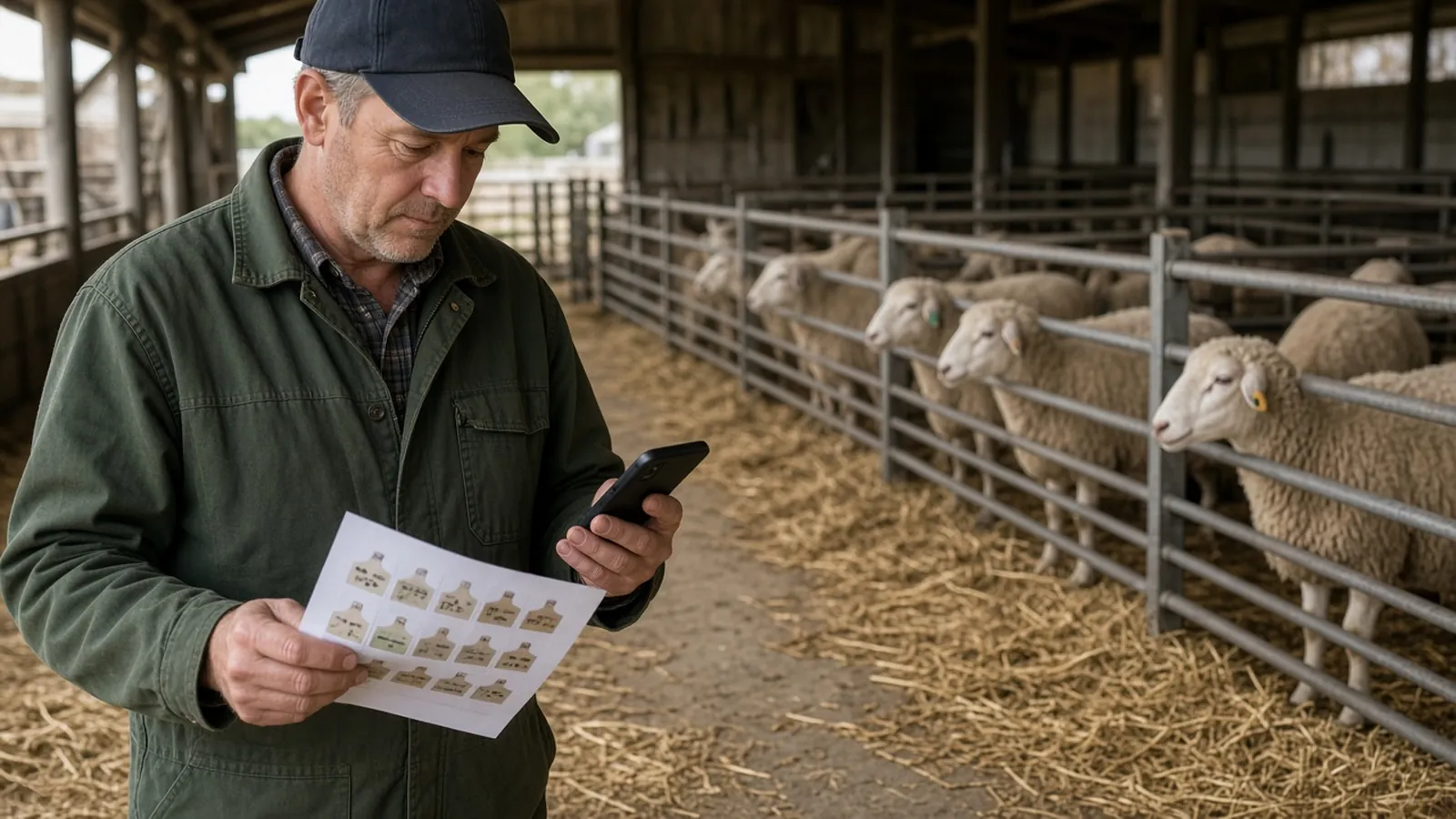
The most useful farm-software thread is usually the one that starts “what are you trying to record?” and ends “a spreadsheet may be enough.” All-in-one platforms are sold as if every farm were the same business. They are not. A sheep flock, a dairy, a grain farm and a 40-share CSA need different records, and a subscription that does not match the job becomes another login you ignore after March.
This guide is for small and mid-size farms in the United States, the United Kingdom, Canada and Australia that are trying to decide what to pay for — and what to skip. It compares tools by the job, not by a vendor feature list, and it takes seriously the number of farmers who still run a good operation in a notebook or a spreadsheet, including on places with poor internet.
Last checked: November 2026. Product names, modules and prices change. Check the vendor’s current published pricing and terms. This is general information, not a paid review or a recommendation to buy any particular product.
1. When a spreadsheet or a notebook is enough
If you can answer, in half an hour, what you treated, what you harvested, and what you are owed, you may not have a software problem. You have a habit. Our guide to keeping livestock farm records is deliberately about the habit, not the app. A dated notebook, or a single spreadsheet with backups, plus a folder of invoices, will take a small farm a long way, and it will not hold your data hostage if you cancel a subscription.
You have probably outgrown that setup when: more than one person must enter data in the same week; a livestock auditor, an organic certifier, or a milk buyer wants a traceable treatment list; you are losing invoices; or you are building a lender-ready plan every year and reconstructing the figures from memory. Even then, the next step may be a specialist tool for the painful job, not an “operating system for the farm.”
Internet matters. If the yard and the barn have no reliable signal, a product that only works in a browser will fail you at the moment of treatment or harvest. See managing a farm without internet, and ask any vendor, before you pay, how offline entry and later sync actually work in the field, not in a café.
2. Tools by the job, not by the brochure
The names below are examples of products farmers actually mention in 2024–2026 discussions, grouped by the work they are known for. This is not a ranked “best of,” and it is not complete. Always confirm current modules and prices on the vendor’s site.
| Job to be done | Examples farmers mention | Usually a poor fit when |
|---|---|---|
| Mixed small farm: livestock plus crops plus some direct sales and basic tasks | Farmbrite is often raised as an all-in-one for smaller mixed places | You need deep dairy lactation curves, or large-scale field-level grain costing, which owners in specialist threads say they do not always find in a general tool |
| Grazing livestock: movements, paddocks, treatments, breeding, counts | AgriWebb is frequently mentioned by cattle and sheep operators | Your pain is a CSA packing list or a grain-costing close, not a herd |
| Dairy herd, milk quality, lactation | Specialist dairy platforms (farmers in r/dairyfarming shop these separately); general tools are often tried and found thin on milk metrics | You expect a mixed-farm app to replace a parlour or herd-recording system |
| Row-crop and field records, input costs, yield maps | Granular, climate/field platforms, and manufacturer operations centres are the names that come up on larger crop farms | You have 15 acres of vegetables and no need for a grain-scale close |
| Direct sales: CSA, market invoices, harvest lists | Some all-in-ones include this; some farms use a separate sales or bookkeeping tool and keep field notes elsewhere | You buy a livestock app and hope the share list appears |
| Accounts, payroll, tax | A proper bookkeeping tool, and an accountant, remain the home for money even if a farm app records expenses | You expect farm-management software to replace bookkeeping |
Do not copy a price from an old blog post. Several vendors publish monthly or annual plans that start in a range many small farms would recognise as “tens of dollars a month” for a basic seat, and rise as you add users, animals or modules. Others, especially crop platforms aimed at larger grain farms, are quoted as a much more commercial purchase. Look at the current price list, the contract term, and the cost of getting your data out.
3. A way to trial without wasting a season
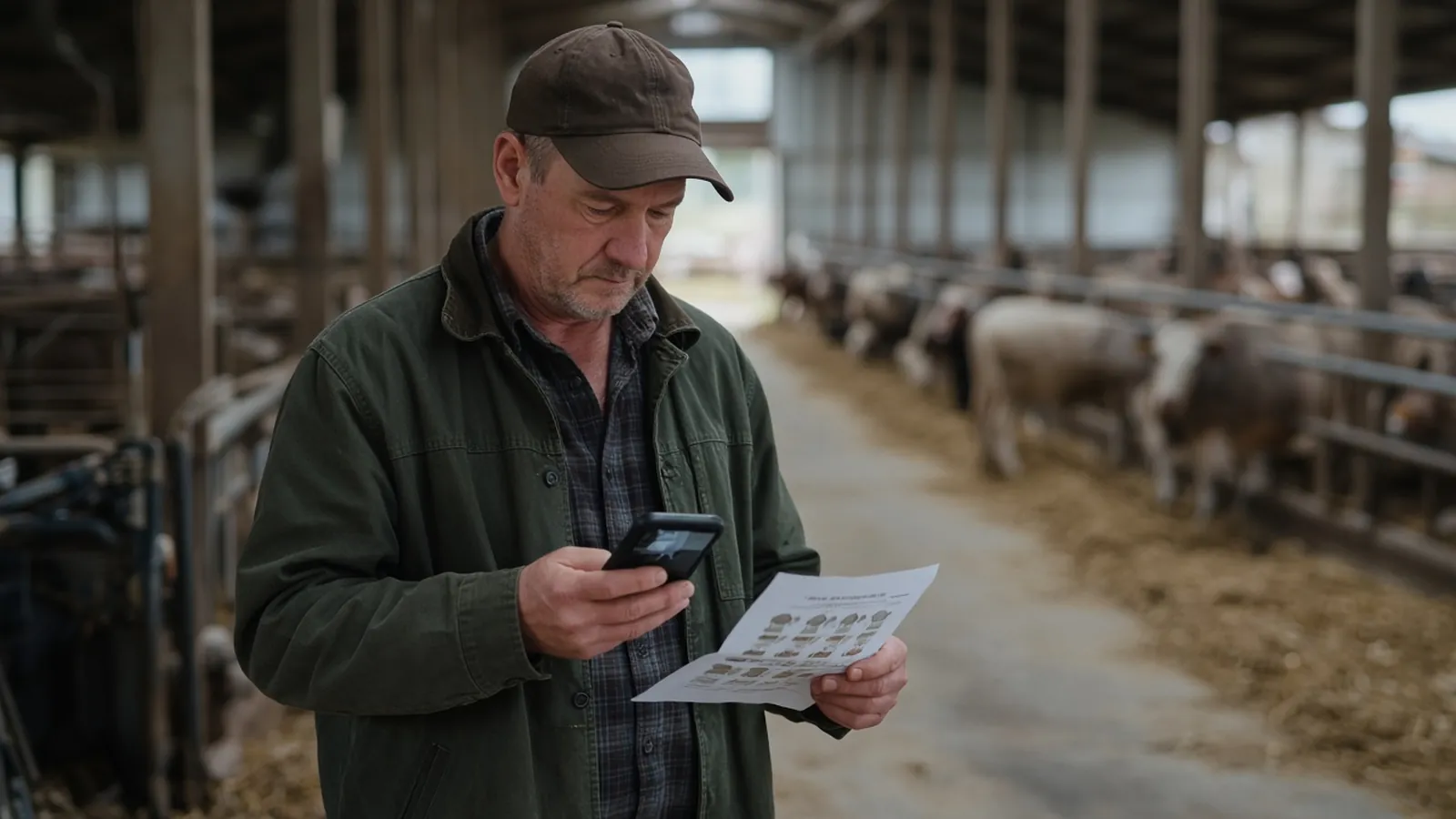
A 30-day test, not a personality quiz. Pick one painful job — for example, “I can show an auditor every antibiotic treatment in 90 days” or “I can tell a CSA member what was in their share last June.” Enter last month’s real data, in the conditions you actually work in (the yard, not the kitchen, if that is where treatments happen). Then export the data. If you cannot export it in a form you could reopen in a spreadsheet, you have learned something more important than the colour of the calendar. Only pay for a second job once the first job is truly easier.
Involve the person who will type, not only the person who signs the card. A system that the owner loves and the herdsperson hates will last until Friday. And do not run three new apps in the same month as lambing or harvest. Introduce one, at a quiet moment, and give it a season.
4. Data, lock-in, and the accountant
Ask, in writing: who owns the data, how you export it, what happens if the company is sold, and whether photographs and treatment lists come with you. Ask whether the tool is a record of production or a substitute for accounts. For almost every small farm, the accountant should still see a bookkeeping file, not a login to a grower app. If the app can push expenses to the bookkeeping tool, that is a bonus, not a requirement.
Privacy matters if you have employees, or if you would not want a treatment list sitting in a poorly secured consumer account. Use a proper farm login, not a shared family email, and back up exports on a schedule you can remember.
5. Switching, staff, and the records an auditor actually wants
The hidden cost of a farm app is not always the monthly fee. It is the week of entering last year’s paddocks, animal IDs, or field names, and the second week of teaching a reluctant relative how to finish a treatment record before they leave the crush. If you will have seasonal staff, look for a simple, limited role — “can enter a treatment, cannot delete the herd” — and write a one-page how-to with screenshots. Software that only the owner understands is a single point of failure, the same as a notebook that only the owner can read.
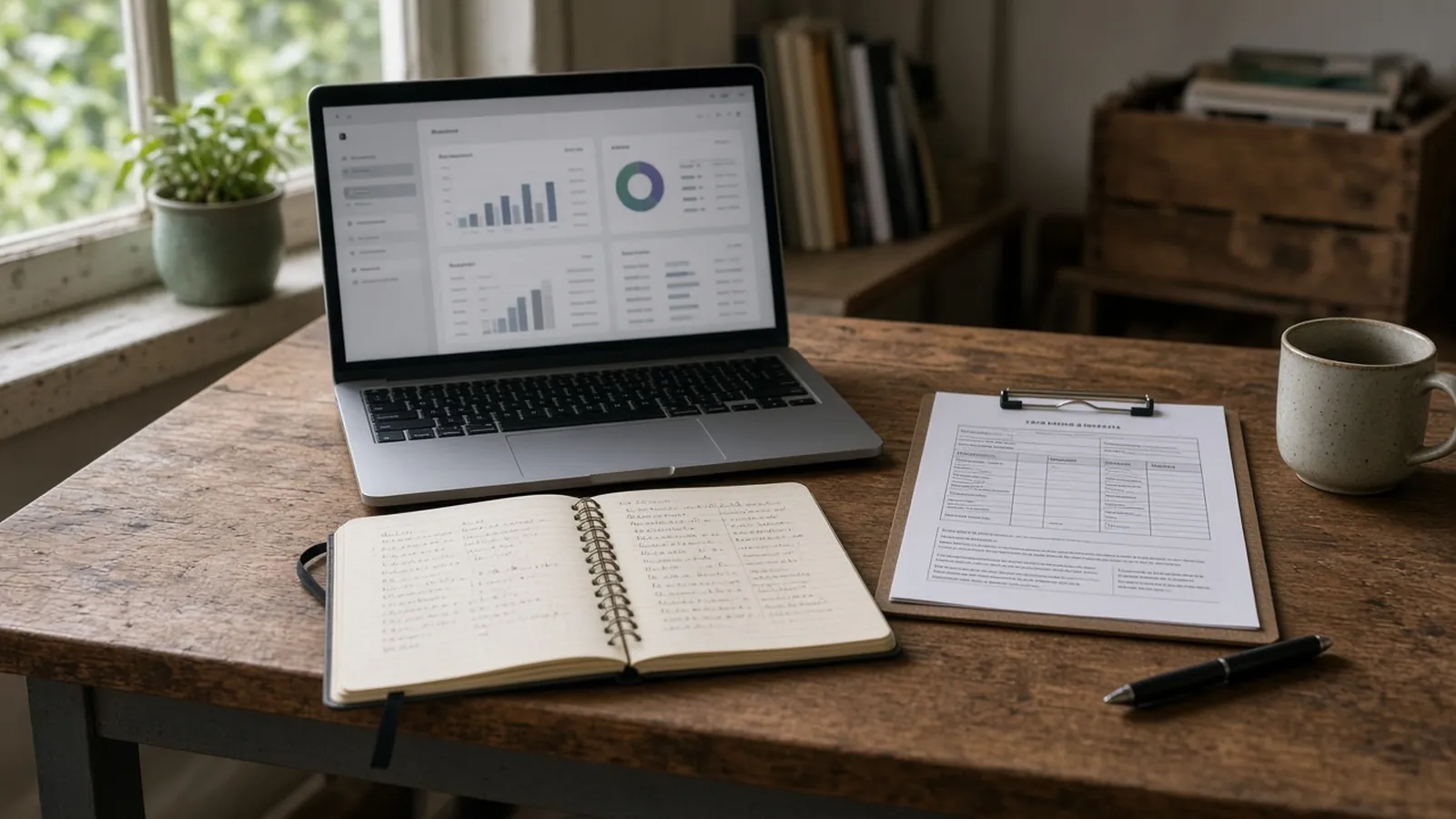
If you are certified organic, in a quality-assurance scheme, or selling to a buyer that audits treatments and harvest dates, ask the vendor to show you the exact report those schemes want. A pretty dashboard is not a withdrawal-period list. Do a trial that includes printing or exporting the report you would hand to an inspector. If that report takes more clicking than your current binder, the software is not yet saving you time where it matters.
The same is true of scales, parlour systems, and tractor monitors. Some crop and dairy platforms ingest data from equipment; many small-farm tools do not, and should not be expected to. A manual entry of a yield or a tank volume is fine if it is done the same day. A promise of “automatic equipment integration” that needs a dealer visit and a second subscription is a different project, and it should be costed as one. Start with the record you already fail to keep, not with a vision of a fully connected farm.
When you do change tools, plan a season of overlap. Keep the old spreadsheet or the old app open until you have a full production cycle in the new one and a clean export. Farms get hurt in the gap — the month of lambing when neither system is complete. Put a calendar reminder to export a backup on the first of the month, to a drive you control, even after you have settled on a product. Companies change hands. Logins lapse. The backup is the only copy you can be sure you will still hold in five years, when a lender or a buyer of the farm asks what you applied last spring.
Finally, be honest about photos and message threads. A lot of “records” on small farms now live in a WhatsApp chat with a herdsperson or in a camera roll. That is better than nothing and worse than a dated entry against an animal or a field. If the app makes it easy to attach a photo to a record, use it. If it does not, a weekly habit of dropping those photos into a dated folder named by field or tag is still cheaper than a second subscription you will not open.
Common mistakes
- Buying an all-in-one because it looked complete, then using none of it.
- Ignoring the person who will enter the data, and the places on the farm that have no signal.
- Failing to test an export before the trial ends.
- Letting the app become the only copy of the records.
- Trying to replace an accountant, or a milking-parlour system, with a mixed-farm subscription.
Checklist
- I can state the one job I am buying software for, in a sentence.
- I have asked how offline entry works, and I have tried it where I actually work.
- I have looked at current pricing and at the cost of adding a user.
- I have exported a sample of my own data.
- I still have a bookkeeping path for the accountant.
A note on “AI farm assistants”
A new class of product will offer to diagnose pests, write a cropping plan, or answer questions in a chat window. Some of that may be useful as a second opinion. It is not a treatment record, it is not a withdrawal period, and it is not a substitute for a veterinarian or an agronomist when the animal or the crop is actually in trouble. If you try one, keep the legal and veterinary decisions in human hands, and do not paste your entire herd or customer list into a consumer chatbot. The record-keeping problem this article is about — a dated, exportable, official-looking history of what you did — is still a database problem, not a chat problem. Use a chat tool, if you use one at all, as a way to draft a checklist or to remind yourself of a question for the vet, and then put the decision you actually took into the proper record, with a date, a name and a product.
Frequently asked questions
1. What is worth paying for on a small farm?
Whatever removes a real, repeated pain — a treatment log, a packing list, a field application record — that a spreadsheet has already failed to hold. If you cannot name the pain, do not pay yet.
2. Farmbrite versus AgriWebb versus a crop platform?
They are aimed at different jobs. Mixed small farms often look at a general tool such as Farmbrite; grazing livestock operations often look at AgriWebb; larger crop farms look at field and grain platforms. Try the one that matches your animals or your acres, not the one with the most modules on a homepage.
3. Will this replace my accountant or my record book?
It should not replace an accountant. It may replace a record book for the job it does well, if you can export the data. Keep a backup anyway.
4. What if internet on the farm is poor?
Make offline entry a condition of purchase, and test it. Otherwise stay with paper in the field and a weekly type-up in the house, which is still a respectable system.
5. How long should a trial be?
Long enough to enter a real month of the painful job, including a busy day, and to export the result. A click-through on a sample farm is not a trial.
6. Is there a single best farm app?
No. There is a best fit for a job, a budget, and a signal-poor yard. Anyone offering a single winner for every farm is selling, not advising.
Final thoughts
Pay for software only when a specific record has already become a nuisance, and only after a trial on your own data, in your own yard. A cheap spreadsheet that is used is worth more than an expensive platform that is not. If you outgrow the spreadsheet, grow into a tool that does the painful job well, and leave the rest of the farm alone until that job is truly easier. Revisit the subscription once a year, at a quiet date you have already written in the calendar, and cancel anything you have not opened in ninety days. A farm that reviews tools the way it reviews seed orders will spend less, and will keep better records, than a farm that adds a new app every winter and forgets them all by planting. The test is always the same: can you, this week, answer the question that used to send you into a pile of paper? If the answer is yes, keep paying. If the answer is no, go back to the job, not to a shinier homepage.
Start with the record, then decide on the tool
LazAgro is built for farm records in places where signal is imperfect, so production and sales notes can live in one place without waiting for a perfect office setup.
Discover LazAgroSources and further reading
- Farmer discussions in r/farming, r/sheep and r/dairyfarming (2024–2026) on Farmbrite, AgriWebb, dairy platforms and all-in-one tools — used here as evidence of the jobs people are trying to buy, not as endorsements.
- Vendor sites, for current modules and prices, which should be checked on the day you trial a product.