 LazAgro
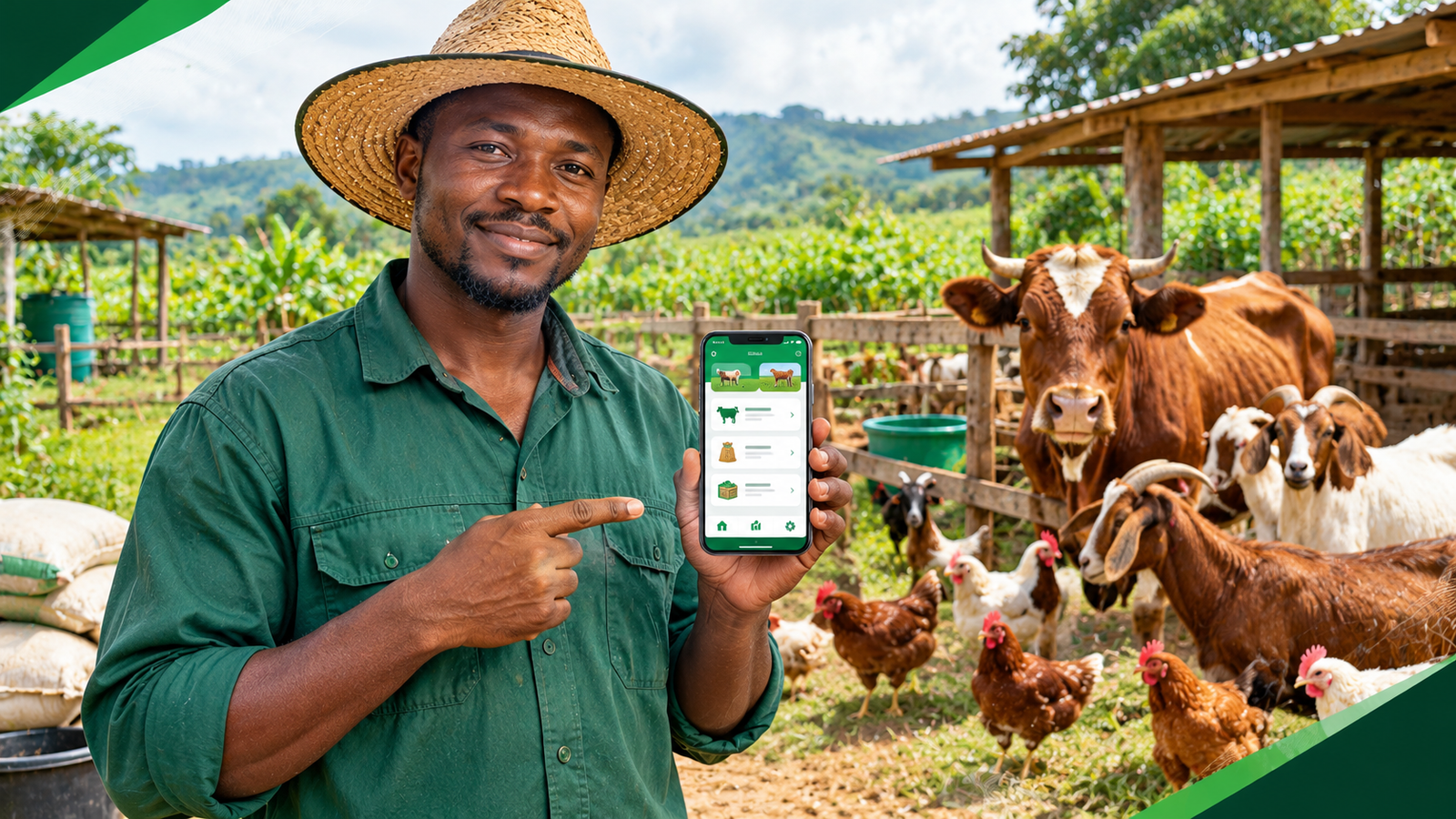
You are checking your animals, recording the feed you used, and noting which livestock need treatment. Then you reach for your phone to save the information, only to discover that there is no internet connection.
If you work on a farm in an area with unreliable network coverage, this situation may be familiar. Farm work does not stop because the internet disappears. Animals still need feeding, health issues still need attention, stock still moves, and purchases and sales still happen.
The real problem begins when you cannot record those activities immediately. You may tell yourself that you will enter everything later, but by the end of a busy day, a few details may be missing. Repeat this over several weeks and it becomes difficult to know exactly how much feed you used, what treatments were given, or whether your records match your actual stock.
The solution is not necessarily to find a stronger network in every corner of your farm. It is to establish a record-keeping system that works even when connectivity does not.
The key idea
A reliable farm management process should let you record daily activities when they happen, keep those records safely on your device, and synchronize them when a connection becomes available. That way, internet access does not have to determine whether you can keep track of your farm.
{prompt to give AI to generate image: Create a realistic editorial photograph of an African smallholder farmer standing beside healthy livestock and checking farm records on a smartphone in a rural farm setting. Show a poultry house or cattle enclosure in the background, natural daylight, practical work clothes, and a calm, authentic farming atmosphere. Use LazAgro brand colors forest green #173F2B, agricultural green #24834A, white, and soft cream as subtle design accents. Landscape 16:9, professional agricultural technology blog photography, no text, no logos, no watermark.}
1. Why keeping farm records matters
A farm generates information every day, even if you do not think of it as data. The number of animals in a batch, feed purchased, medicine administered, stock sold, and money spent are all records that can help you understand how your operation is performing.
Without a consistent way to record these activities, you may end up relying on memory, loose paper, or notes scattered across several phones and notebooks.
Know what is happening with your livestock
Suppose you manage a poultry batch. You need to keep track of its starting population, mortality, feed consumption, health treatments, and eventual sales. If you also manage cattle, goats, pigs, or another production cycle, each group may have different needs and records.
Recording these details consistently makes it easier to review what happened and spot missing information. It can also help you discuss animal health, feeding, and production with a qualified veterinarian or agricultural adviser.
Understand where your money goes
Feed, veterinary care, transport, equipment, labor, and other operating costs can add up. If purchases and sales are recorded only occasionally, it becomes harder to understand the financial picture of your farm.
Record transactions close to the time they occur. Keep receipts where available, identify what each expense relates to, and review your figures regularly. Accurate records help you make better-informed decisions, although they do not guarantee profitability.
Reduce avoidable stock confusion
Inventory records can help you compare the stock you expect to have with what is physically available. This matters for feed, animal health supplies, and other farm inputs.
For example, if your records say that several bags of feed remain but the storeroom is nearly empty, you can investigate the difference before it becomes an urgent problem.
2. Choose a farm record-keeping method that fits your work
There is no single record-keeping method that suits every farm. A small operation with a few animals may need only a simple logbook, while a farm with several batches, workers, and inventory items may benefit from a more organized system.
The important thing is to choose a method that people can use consistently in the field.
Paper notebooks
A notebook does not need electricity, mobile data, or a smartphone. It is a useful backup and can work well for straightforward daily notes.
However, finding an old entry, combining records from several workers, calculating totals, and keeping multiple copies organized can become difficult as the farm grows. Paper can also be damaged, lost, or separated from the person who needs it.
Spreadsheets
Spreadsheets can organize purchases, sales, feed usage, and other figures. They are useful when someone on the team is comfortable maintaining them.
Depending on the software and setup, editing files on a phone while offline may be possible, but teams must pay attention to saved copies, conflicting edits, backups, and how information is shared. A spreadsheet is not automatically synchronized just because it is stored on a device.
Farm management applications
A farm management app can bring records such as livestock batches, feed, treatments, purchases, sales, and inventory into one structured system. Some applications also support offline entry, allowing workers to save records on their devices without an active connection.
Before choosing an app, check exactly which features work offline, where information is stored, how synchronization works, and what happens if several people edit related records. Offline support differs between products.
| Method | Useful for | Things to consider |
|---|---|---|
| Paper notebook | Simple daily notes | Manual totals, storage, and sharing |
| Spreadsheet | Organized lists and calculations | File versions and team coordination |
| Offline-capable farm app | Structured field records and later sync | Offline coverage, backups, and sync behavior |
3. How to record farm activities without internet
The first step is to make recording part of the activity itself. Do not depend on remembering everything at the end of the day.
Record feed usage
When feed is issued to a batch, record the date, the batch, the feed type, the quantity, and any relevant notes. If feed is purchased, record the supplier, quantity, cost, and date.
Using consistent units makes the information easier to compare. For example, avoid mixing bags, kilograms, and other units without recording the conversion or package size.
Record mortality and health treatments
When mortality occurs, record the affected batch, date, number of animals, and any observations required by your farm's procedures. Keep the record factual and avoid assuming a cause without appropriate evidence.
For treatments, record the product or medicine, relevant quantity, date, animal or batch, and the directions provided by the veterinarian or product label. Follow applicable withdrawal periods and professional advice for food-producing animals.
Record purchases and sales
Record the transaction when it happens, including the item or animal involved, quantity, unit price, total amount, and buyer or supplier where appropriate. Retain supporting receipts and documents.
Clear records make it easier to reconcile cash movements and identify missing transactions later.
Keep track of inventory
When stock arrives or is used, record the movement. Carry out physical counts periodically and compare them with your records. Investigate differences rather than automatically changing a figure to make the numbers match.
4. What happens when your farm app works offline?
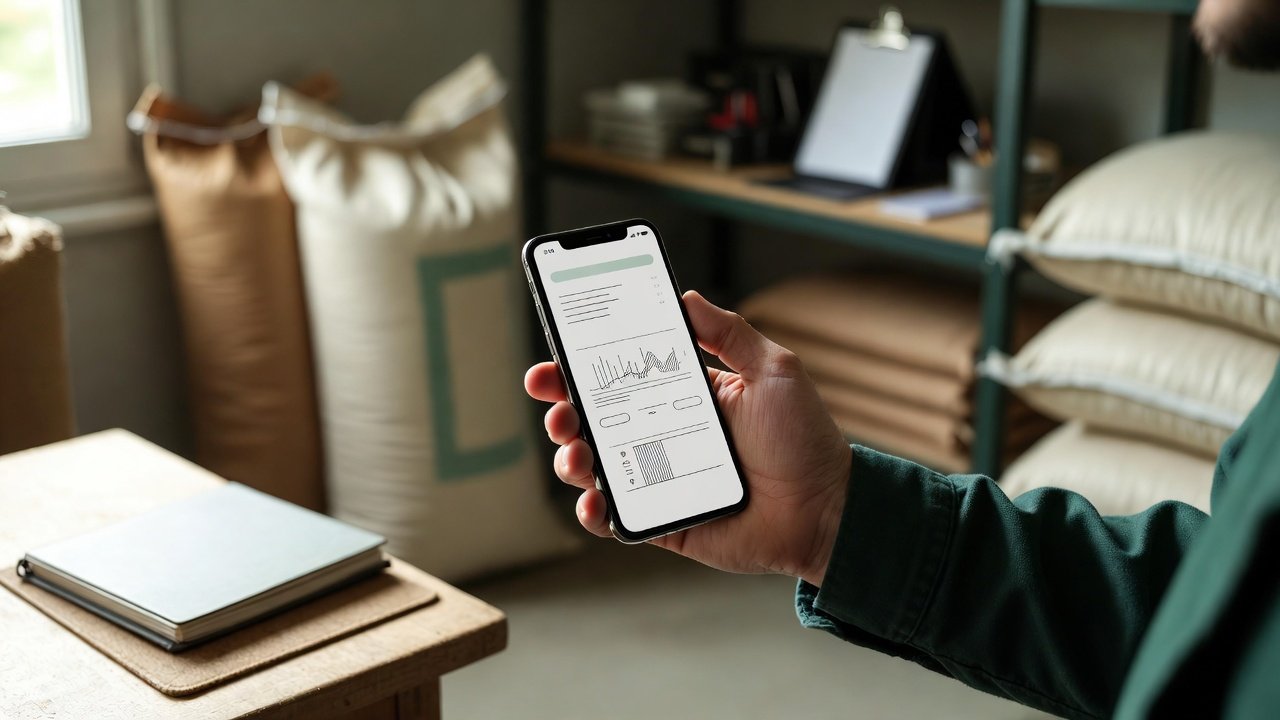
An offline-first application is designed to let key tasks work without requiring a live internet connection for every action. Instead of sending each record to a remote server immediately, the app can save supported changes locally on the device and synchronize them later.
This approach can be particularly useful when workers move between animal houses, grazing areas, storerooms, and other places where mobile network coverage is inconsistent.
Step 1: Save the record on the device
A worker enters the relevant information, such as feed issued to a batch or a purchase received. In an offline-first workflow, supported data is saved locally so the worker can continue without waiting for a network response.
Step 2: Continue working in the field
Workers can keep recording supported activities while offline. They should still follow the app's instructions and make sure the save operation has completed. Offline capability does not automatically mean that every screen or feature works without a connection.
Step 3: Synchronize when connectivity returns
When the device reconnects, the application can send pending records to its central system. A well-designed synchronization process should communicate the status of pending changes and handle interruptions safely.
Step 4: Confirm that records are synchronized
Do not assume that a record has reached the central system just because it is visible on the device. Check the application's synchronization status, particularly before changing devices or relying on the same information from another team member's phone.
An important distinction
Offline storage and backups are not the same thing. If a phone is lost, damaged, or reset before pending records are synchronized or otherwise backed up, those records may be at risk. Understand how your app protects local data and what steps you should take before changing devices.
5. Manage multiple farms and livestock batches more clearly
As a farming operation expands, a single notebook or undifferentiated list may no longer provide enough detail. You may be managing separate farms, several poultry flocks, cattle herds, pig groups, or different production cycles.
Good records should make it clear which farm and batch each activity belongs to.
Give each batch a clear identity
Use a consistent batch name or identifier and record relevant details, such as the start date, species, starting population, and production purpose. The exact fields will depend on your operation.
Keep farm records separate where necessary
If your organization manages more than one farm, make sure transactions and stock movements are associated with the correct location. This reduces confusion when comparing feed usage, expenses, or production across sites.
Review records at useful intervals
Choose a review schedule that fits your operation. A farm might review mortality and feed daily, reconcile inventory weekly, and examine costs and sales monthly. These are starting points, not universal rules.
The aim is to identify discrepancies while the details are still fresh, rather than waiting until the end of a production cycle.
6. Common mistakes to avoid when recording farm data offline
Waiting until the end of the day
Delayed entry makes it easier to forget quantities, dates, or which batch was involved. Record information as close as practical to the activity.
Using inconsistent names and units
If the same batch has several names or a quantity is recorded in different units, reports become harder to interpret. Agree on standard labels and units across the team.
Assuming every offline record has synchronized
Connectivity may return briefly and then disappear again. Check whether pending changes have completed synchronization before assuming the central records are up to date.
Ignoring backups and device security
Protect phones with appropriate screen locks, restrict access to farm records where possible, and understand your backup and recovery options. Keep devices and applications updated.
Recording numbers without context
A number on its own may be difficult to interpret later. Include the date, farm, batch, unit, and a brief note when necessary. Good context helps the team understand what happened.
7. A practical daily farm record checklist
Use the checklist below to create a consistent routine. Adapt it to your species, production system, veterinary guidance, and farm procedures.
Daily records to review
- Record feed issued and relevant feed stock movements.
- Record animal numbers and any mortality.
- Document health observations and treatments.
- Enter purchases, sales, and other important transactions.
- Record stock received, used, or transferred.
- Check that each entry belongs to the correct farm and batch.
- Review missing information and investigate discrepancies.
- Check pending synchronization when using an offline-capable app.
- Confirm that important records are backed up or synchronized according to the system's procedures.
8. How LazAgro helps farmers keep records online and offline
LazAgro is an offline-first farm management app built for farmers and farm teams who need to keep track of daily operations, including in places where the internet connection is unreliable.
Instead of making connectivity the starting point for every task, LazAgro is designed so supported records can be saved on your phone first and synchronized automatically when connectivity returns.
Manage multiple farms
Keep farm operations organized under your organization, making it easier to work with more than one farm.
Track batches and production cycles
Organize livestock groups and production cycles so activities can be associated with the relevant batch.
Record feed, health treatments, and mortality
Maintain records of important livestock activities as part of your daily farm management routine.
Record purchases, sales, and inventory
Keep transaction and stock records organized to support reviews of farm activity and available supplies.
Work offline and synchronize later
For supported operations, save records on your phone while offline and let LazAgro synchronize them when you are back online. As with any offline-first tool, check synchronization status and follow the app's backup guidance to protect your information.
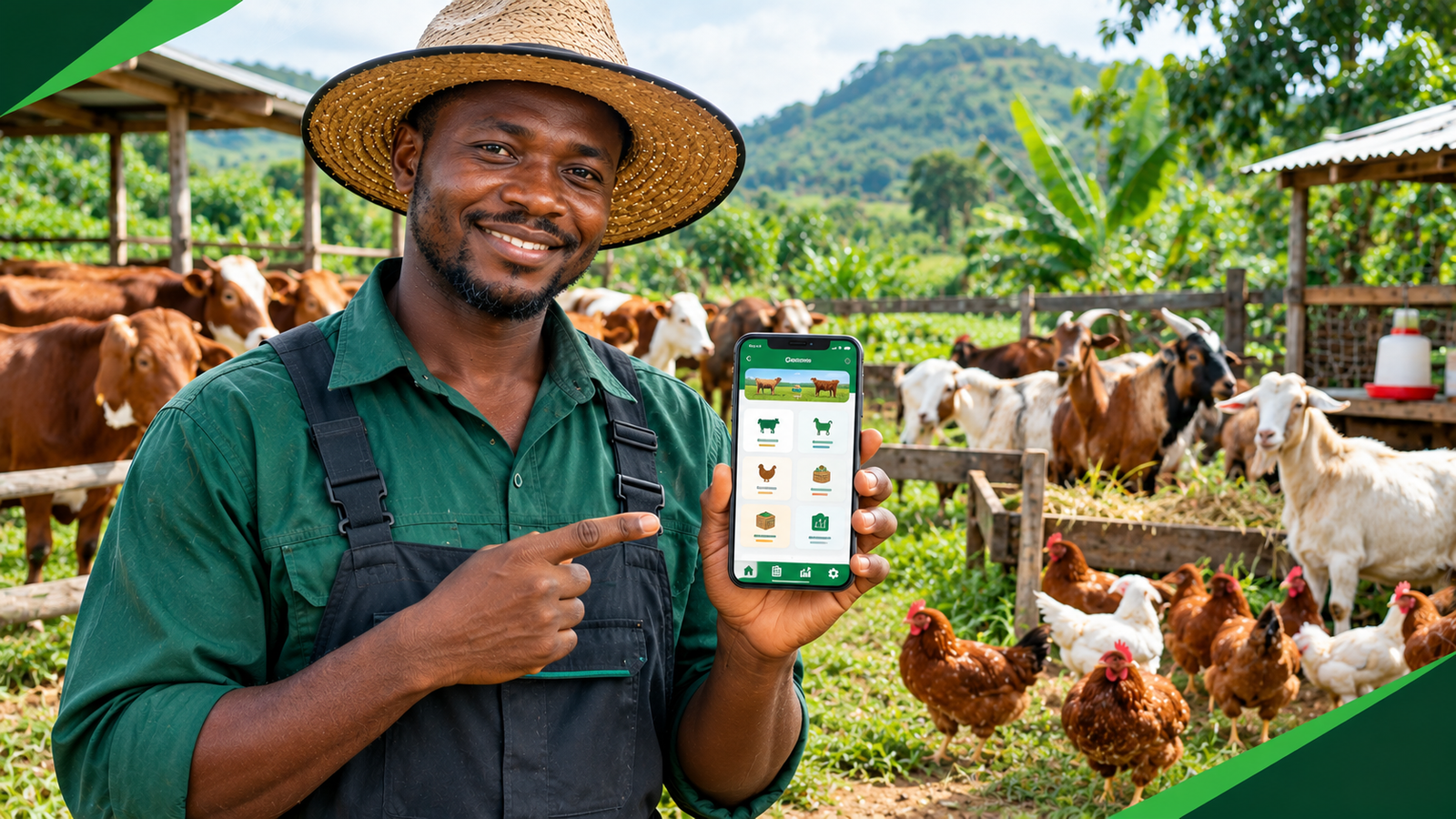
Keep your farm records with you, even when the internet is not
With LazAgro, you can manage supported farm activities offline, record livestock and inventory information, and synchronize records when connectivity returns. Spend less time trying to reconstruct forgotten details and build a more consistent record-keeping routine.
Discover LazAgroVisit LazAgro to learn more about managing your farm online and offline.
Frequently asked questions
Can I manage a farm without internet?
Yes. You can use paper records or offline-capable digital tools. With an offline-first app, supported activities can be saved on the device and synchronized when a connection returns. Check which functions work offline in your chosen application.
Can I record livestock activities offline on my phone?
Yes, if your farm management application supports offline entry for those activities. Confirm that records are saved locally and learn how the app indicates whether synchronization has completed.
What farm records should I keep?
Common records include livestock batches, feed usage, mortality, health treatments, purchases, sales, and inventory movements. Your exact record requirements depend on your species, production system, local rules, and business needs.
Will offline records automatically appear on another phone?
Not necessarily. Records saved locally generally need to synchronize with the application's central system before they can be accessed on another device. Check your app's synchronization status and device-transfer procedures.
Is a farm management app useful for a small farm?
It can be. Even a small operation may benefit from consistent records of feed, animal health, purchases, sales, and inventory. Choose a tool that matches the size and complexity of your farm instead of paying for features you do not need.
Does an offline-first app replace farm backups?
No. Local storage lets supported activities continue without a connection, but it does not by itself guarantee that data will survive a lost or damaged device. Understand how synchronization and backups work and follow the application's recovery guidance.
Final thoughts
Reliable farm management does not have to stop when your network connection does. The most important step is to create a habit of recording activities as they happen and keeping information organized by farm, batch, date, and activity.
Start with the records that matter most to your operation. Make sure your team knows what to record, use consistent units, review stock regularly, and protect your records with appropriate synchronization and backup practices.
If you prefer digital record-keeping, consider an offline-first farm management tool that fits your workflow. The right system can help your team maintain more complete records while working in the field, whether connectivity is available or not.
About LazAgro: LazAgro is an offline-first farm management app built for farmers and farm teams. It helps organize farm operations, livestock batches, feed and health records, purchases, sales, and inventory, with automatic synchronization when connectivity returns for supported records.